 The First 30 Days
Exactly What Your Athlete Will Accomplish in Her First Month
Whether your daughter is a freshman with time on her side or a senior who needs a plan now, this is built for you — a concrete, week-by-week roadmap so you know what the first 30 days look like before you sign up, and so she knows exactly what to do after.
About 2–3 hours of focused work per week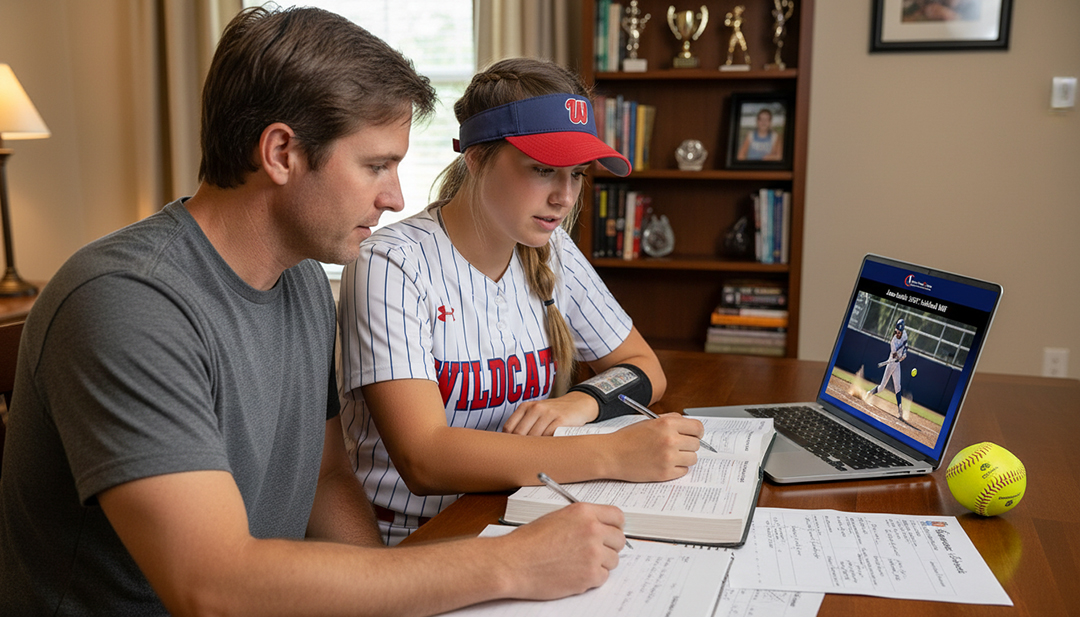
By the end of Week 4, your athlete will have:
A tiered target list of 30–50 college softball programs that actually fit. A completed recruiting profile with a shareable URL. A real understanding of how recruiting works — division rules, scholarship math, and timelines. And her first coach outreach emails sent, tracked, and scheduled for follow-up. Not someday. In 30 days.
Foundation — know the game
Before touching a single coach email, your athlete learns how recruiting actually works — the knowledge that prevents costly mistakes in the weeks ahead.
Complete Step 1: Know the Game Before You Play It
Work through Step 1 of the 7-step system: how coaches find and evaluate prospects, what scholarship structures look like at each level under current rules, the timeline by grade year, and NCAA contact rules.
Outcome: She stops guessing at how recruiting works and starts from actual understanding.
Parent read-through: Parents Portal overview
Read the Parents Portal overview: the parent’s role, the questions that belong to parents, scholarship basics, and red flags to watch for. This is what lets you support without accidentally taking over.
Outcome: You know what you’re doing in this process — and what you’re not.
Complete Step 2: the honest division conversation
Use Step 2’s division-fit framework to talk about where she can genuinely compete — D1, D2, D3, NAIA, JUCO, or a mix. No wishful thinking, no underselling. This conversation reshapes every decision that follows.
Outcome: You agree on a realistic target range — likely 2 or 3 levels to explore.
Gather what you already have
Put everything in one folder so it’s ready later: current stats, recent game video or highlights, current GPA and transcript, headshots and action photos, tournament schedule, coach references. Save links to YouTube or GameChanger film.
Outcome: Everything you’ll need for Week 3’s profile build is already organized.
End of Week 1. Your athlete understands the recruiting landscape. You have a realistic division range. Materials are organized. No emails sent yet — and that’s exactly right.
Build the school list — target the right programs
With a realistic range from Week 1, she builds a targeted list of 30–50 programs that fit. The list comes before the profile — because the profile is built with these specific schools in mind.
Define the non-negotiable criteria
Before searching, define what can’t bend: division range, geographic comfort zone (or willingness to go anywhere), majors offered, school-size preference, and approximate net-cost budget. Write them down — they’re the filters.
Outcome: A clear filter set so the search is focused, not overwhelming.
Open the College Search Dashboard
Search the 900+ program database with the College Search Dashboard. Filter by division, then region, size, and major. Save anything interesting — cast a wide net first, narrow later.
Outcome: 60–100 programs saved for deeper review.
Research and narrow to a working list
Click into saved schools. Visit each athletic website: current roster (class balance, position needs), coaching staff, recent record, and academic programs in the intended major. Cut anything that doesn’t fit.
Outcome: Working list narrowed to 30–50 realistic targets.
Categorize by fit tier
Split into three tiers: Reach (stretch athletically or academically), Target (solid fit both sides), and Likely (high probability of genuine interest and admission). A healthy list has all three — not just reaches.
Outcome: A tiered, realistic list. No daydream-only schools.
Parent review: cost comparison on top choices
Using the College Cost Comparison Tool, look at the real net cost of the top 5–10 programs. Sticker prices lie — net cost after academic, financial, and any athletic aid is the number that matters, and it often changes which schools the family prefers.
Outcome: Cost reality informs how the list is prioritized before profile-building.
End of Week 2. A tiered list of 30–50 target schools with coach names identified, and you both know what the top choices really cost. The list is the foundation for everything next.
Build the profile — her digital resume
Now she creates the recruiting profile she’ll send to every one of those coaches. The standard: a coach can evaluate her in under two minutes, from any device.
Open the Recruiting Profile Builder
Create the profile shell in the Recruiting Profile Builder. Choose the URL slug (example: athletesgoing2college.com/softball/jane-smith-2028). Add bio: name, grad year, position(s), height, hometown, high school, travel team.
Outcome: Profile URL exists and is reserved.
Add academics — honestly
GPA (weighted and unweighted), test scores if taken, class rank if available, intended major, NCAA Eligibility Center status, academic awards. Academics are often the first thing a coach checks — accurate matters more than impressive.
Outcome: Coaches can verify she qualifies academically before spending time on athletics.
Add athletic stats and measurables
Position-specific stats by season. Pitchers: velocity, pitch types, ERA, strikeouts. Hitters: average, OPS, home runs. Fielders: position(s), fielding percentage. Measurables where relevant: 60-yard time, overhand and exit velocity. Use actual numbers from GameChanger or official stats — not estimates.
Outcome: A stats page a coach can scan in 20 seconds.
Link highlight video and game footage
Link a YouTube highlight reel and/or GameChanger footage directly in the profile. No reel yet? Use recent full-game footage as a placeholder — footage beats no footage, and a reel can be added in Month 2.
Outcome: A coach can click once and watch her play.
Add photos, schedule, and contact info
One clean headshot, two or three action photos, upcoming tournament schedule with dates and locations, contact info. Home address should never be displayed; parents should be CC’d on all coach communication for athletes under 18.
Outcome: Profile looks and works like the professional page coaches expect.
Review together and publish
Open the profile URL on a phone — how most coaches see it first. Every section complete? Video loads? Contact button works? Stats current? If yes, the profile goes live.
Outcome: A shareable URL ready for every email starting Week 4.
End of Week 3. A professional recruiting profile at her own URL — built with the Week 2 schools specifically in mind. It’s the link in every coach email from here forward.
First outreach — emails that get opened
This is the week the work becomes real. She writes and sends her first coach emails using the Step 6 frameworks. The first five are the hardest. The next fifty are easier.
Work through Step 6: Your Outreach Starts Here
Read the full Step 6 content: how to write introductory emails, subject lines that get opened, email structure, what to say and leave out, and how to personalize for each program.
Outcome: She knows what makes a coach email work — before writing one.
Draft the master introductory email
Using the Step 6 template, draft the master email to personalize per program: subject line, opening with grad year and position, one specific reason she’s interested in that program, an academic and athletic snapshot, and the link to her profile.
Outcome: A strong draft she can personalize in 3–5 minutes per school.
Parent review of the first email
Read the master draft for typos, tone, and clarity — but don’t rewrite it in your voice. Coaches can tell when a parent wrote the email. The goal is a polished email in her voice, not a perfect one in yours.
Outcome: The email sounds like a 15- or 16-year-old wrote it — because she did.
Send the first 5 emails
Pick 5 programs from the Week 2 list — ideally a mix across Reach, Target, and Likely. Personalize the master email for each (coach name, something specific about the program, why it fits). Send. Not 50 — five. Quality matters more than volume on the first wave.
Outcome: First 5 coach emails are out in the world.
Log every email in the Contact Tracker
For each: school, coach contacted, date sent, and a follow-up date 10–14 days out. This is the system that keeps outreach from falling through the cracks over the next 6–12 months.
Outcome: A live record of outreach and scheduled follow-ups.
Set the weekly rhythm for Month 2
Agree on a sustainable cadence: how many new emails per week, which day is email day, when to follow up on no-responses. Consistency over months beats a Week-4 burst that fizzles by Week 6.
Outcome: A realistic weekly rhythm the family can maintain.
End of Week 4. First emails sent. Profile live. Target list built. Tracker populated. Your athlete is no longer “thinking about recruiting” — she’s running the process.
What you have after 30 days
If your athlete follows this roadmap, here’s what’s concretely different at the end of Month 1 versus Day 1:
- A tiered target list of 30–50 programs that fit her athletic and academic range
- A professional recruiting profile with its own URL, ready to share with any coach
- A genuine understanding of how recruiting works at every division
- 5 personalized coach emails sent, logged, and scheduled for follow-up
- A weekly outreach rhythm in place — so momentum doesn’t die in Week 5
- Real understanding of net cost at her top schools, not just sticker prices
- A family on the same page about the plan — without the parent running the process
A realistic note about the first 30 days
Nothing here promises offers, commitments, or scholarship money by Day 30. Recruiting doesn’t work on that timeline — anyone suggesting otherwise is selling something that isn’t true.
What the first 30 days do accomplish is exactly what matters for the next 12–24 months: a profile coaches can evaluate, a list of programs she’s actively pursuing, and a system for consistent outreach. Offers are the output of a process run well over a long time — and the families who see results are the ones whose athletes keep doing the work in Month 2, Month 6, and Month 12, not the ones who sprint in Week 4 and disappear in Week 5.
Ready to start Day 1?
The 14-day free trial covers everything in Week 1 and Week 2 — foundation content, the division-fit framework, and the College Search Dashboard. Cancel anytime in your account if it’s not the right fit.